How to Open 1GB JSON File - 3 Effective Methods
Wondering how to open 1GB JSON file? Explore 3 best ways to open large JSON file effortlessly.
 mathew0406
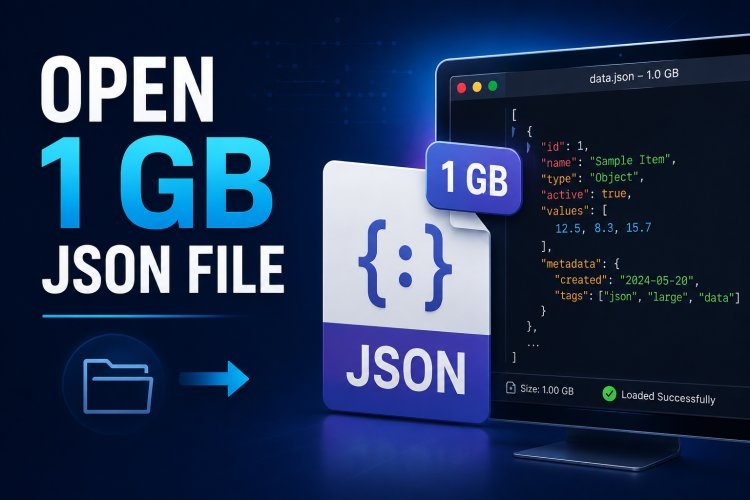
Open 1 GB JSON file by using a tool that can handle large datasets or by reducing JSON file size. Standard text editors like Windows Notepad usually fail to load files of this size because they attempt to read the entire document into memory. Using a capable editor or a dedicated JSON splitter is the safest and fastest way to access the data. In this guide, we will walk you through the best methods to open large or heavy JSON file in a hassle-free way.
Why Are Users Unable to Open 1 GB JSON File?
A JSON file is plain text, but that doesn't mean every text editor can process it smoothly. When the file size reaches 1 GB, the application must read millions of characters, organize nested objects, and display everything on screen. The issue usually comes from one or more of these factors:
- Limited system memory
- Deeply nested JSON objects
- Millions of records in one file
- Older hardware
- Applications designed only for small text documents
Knowing the reason helps you choose the right solution instead of assuming the file is damaged.
#1 Option 1: Open the File Using a Code Editor
Modern code editors are much better at handling structured data than traditional text editors.
Applications like Visual Studio Code or Notepad++ can open fairly large JSON files, depending on your hardware configuration.
This option works best when:
- You only need to read the file.
- The file is slightly below or around 1 GB.
- Your computer has sufficient RAM.
- No editing of massive datasets is required.
Keep in mind that performance varies from one computer to another. A high-end workstation will naturally perform better than an entry-level laptop.
#2 View Only the Data You Need
Sometimes you don't actually need the complete 1 GB file.
- If the JSON contains log entries, customer records, application data, or exported reports, you may only be interested in one specific section.
- Instead of opening everything at once, identify the required portion first. This reduces processing time and makes navigation much easier.
- For developers, command-line utilities and programming languages like Python can also read JSON incrementally without loading the complete file into memory.
#3 Split IGB JSON File Using Automated Utility (Recommended)
If your work regularly involves oversized JSON files, manually dividing them isn't practical. SysTools JSON Splitter Tool is designed specifically for handling large JSON datasets. It allows users to split huge JSON files into smaller, organized files while preserving the original data structure. The software performs the process locally, so your information stays on your computer.
Some useful capabilities include:
- Break extremely large JSON files within a few clicks
- Preserve nested objects and arrays
- Maintain original formatting
- Process multiple files in one operation
- No programming knowledge required
- Compatible with Windows systems
Instead of waiting for editors to respond, you can work with manageable file sizes from the beginning.
Stepwise Guide to Open 1 GB JSON File Instantly
- Download and start aforementioned tool on your system.
- Browse and upload 1GB JSON file to the dashboard.
- Choose splitting option: Split by record or size.
- Set destination path and hit on Export button.
- Lastly, tap on View Report to open multiple .json files.
Best Practices When Working with Large JSON Files
Large JSON files become much easier to manage when you follow a few simple habits.
- Keep a backup before making changes.
- Store files on an SSD instead of an HDD.
- Close unnecessary applications while processing large datasets.
- Avoid browser-based JSON viewers for gigabyte-sized files.
- Validate the JSON after editing.
- Split archive files whenever possible instead of keeping everything in one document.
These practices improve performance and reduce the chance of file corruption.
Concluding Words!
Open 1 GB JSON file becomes much easier once you understand that the challenge lies with the software rather than the JSON format itself. If you only need to inspect the contents, a capable editor may be enough. For frequent work with oversized datasets, splitting the file into smaller pieces offers a smoother experience, faster loading, and easier navigation. Choosing the right approach helps you spend less time waiting for applications to respond and more time working with your data.